KnoxCode — AI coding agent that works inside your project

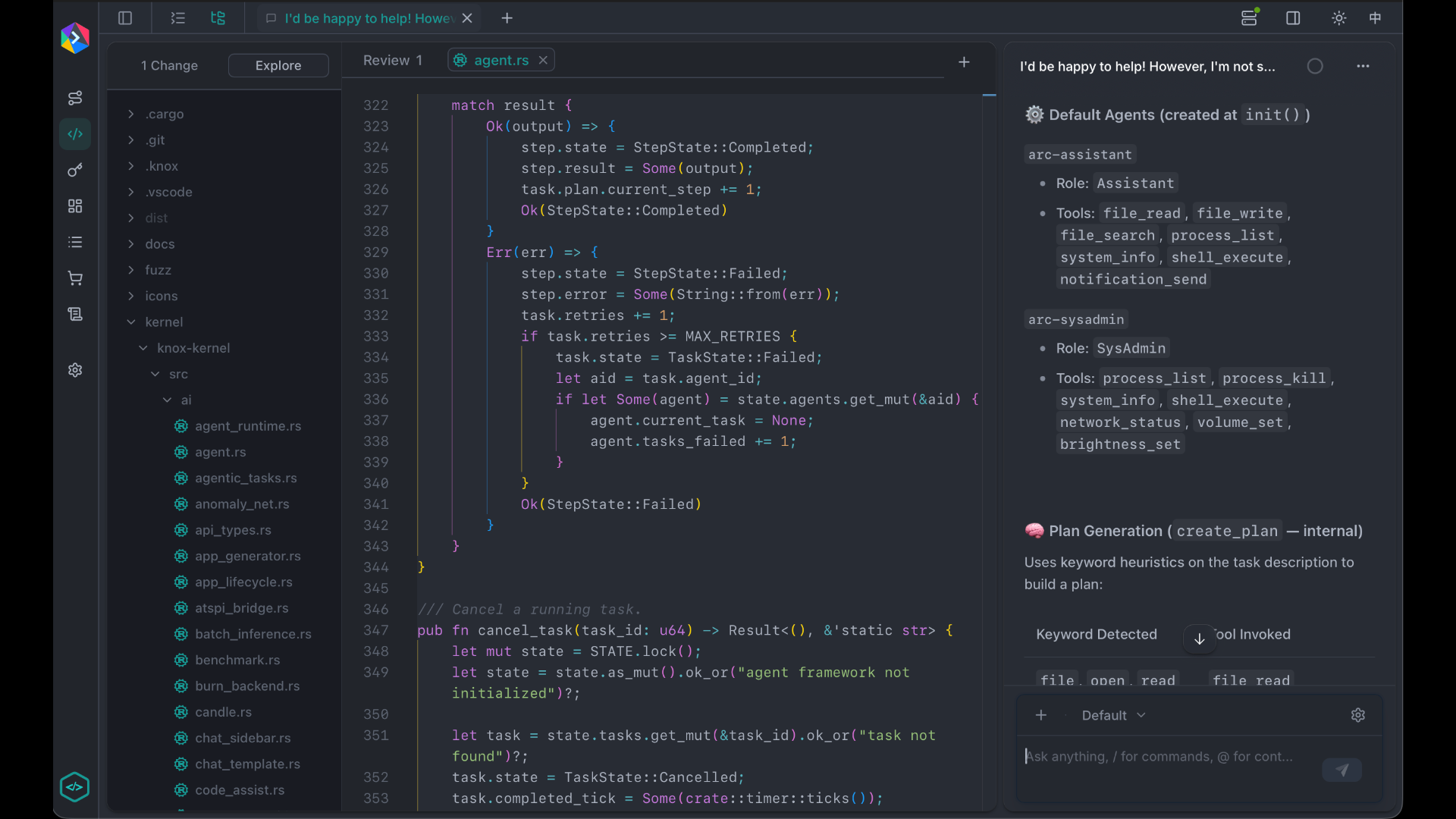
KnoxCode is an AI coding agent that works inside your project. Describe what you want — fix a bug, add a feature, explore unfamiliar code — and KnoxCode reads your files, makes edits, runs commands, and reports back. You stay in control: it asks before sensitive actions, remembers your conversation across sessions, and follows rules you set for the project.
 |
|---|
Available in the terminal(coming soon), browser(coming soon), and as a desktop app.
Knox Memory System
KnoxCode is powered by the Knox Memory System (knox/knox-ms), Knox's purpose-built model for long-running coding work. Unlike a single static LLM, Knox-MS is an orchestration layer that combines planning, task routing, and persistent memory so context can grow far beyond a normal context window.
KnoxCode uses knox/knox-ms exclusively — there is no separate model picker for third-party providers. All agent turns go through Knox-MS on the Knox API (https://api.knox.chat/v1).
How it works
Knox-MS implements a Plan–Task–Memory architecture on the Knox backend:
- Plan — Each request is analyzed for complexity. When planning is needed, Knox-MS breaks the goal into tasks with dependencies and picks an execution strategy.
- Task — Tasks are routed to underlying models by difficulty (easy, medium, hard). Simple work uses faster models; harder reasoning uses more capable ones. Independent tasks can run in parallel.
- Memory — Conversation history, summaries, extracted knowledge, and vector embeddings are stored per user and session. When building context for the next turn, Knox-MS retrieves the most relevant material instead of sending the full transcript.
For coding agent requests (when tools are present), Knox-MS switches to tool-calling passthrough: it forwards the request directly to a capable underlying model while still attaching session memory and billing through Knox-MS. This keeps OpenAI-compatible tool loops intact for file edits, shell commands, and search.
After each response, the backend runs async post-processing: automatic summarization when context grows large, knowledge-graph extraction, and learning-pattern recording — all without adding latency to your turn.
Memory layers
Memory is organized in a five-level hierarchy, inspired by human memory:
| Level | Retention | Role |
|---|---|---|
| Immediate | ~30 seconds | Current turn and just-finished work |
| Short-term | ~20 minutes | Recent conversation within a session |
| Medium-term | ~1 hour | Session-scoped context and working state |
| Long-term | ~24 hours | Summaries and cross-turn recall |
| Permanent | Cross-session | Knowledge base, preferences, and project facts |
Hot tiers live in Redis for fast access; older blocks are tiered to S3 and loaded on demand. Memory consolidation runs in the background — strengthening important memories, fading low-value ones, and archiving to long-term storage.
Retrieval combines semantic vector search, lexical search, and knowledge-graph traversal so the agent gets relevant context without stuffing the prompt.
What KnoxCode sends automatically
KnoxCode wires your local session into Knox-MS on every model call:
session_id— ties turns to Knox-MS memory so you can resume laterproject_id— scopes memory to the open project when availableinclude_reasoning— surfaces reasoning when the model supports it
You do not configure these manually; KnoxCode passes them through its provider layer.
How agent coding works
KnoxCode runs an agent loop: you send a message, the agent thinks, uses tools on your codebase, and replies. If more work is needed, it keeps going until the task is done or it needs your input.
Each conversation is a session with full history. You can steer the agent while it works, pick up where you left off later, and let long sessions compact automatically so context stays manageable. Knox-MS memory on the backend complements local session history for cross-session recall.
Built-in agents
KnoxCode ships with specialized agents for different kinds of work:
| Agent | What it's for |
|---|---|
| Build | Your main coding partner — reads, edits, runs commands, and ships changes |
| Explore | Fast, read-only codebase search when you need to find files, symbols, or patterns |
| General | Handles complex, multi-step tasks and can run work in parallel with the main agent |
The Build agent is the default. You can switch agents mid-session when you want exploration without edits, or delegate focused subtasks to another agent.
What the agent can do
KnoxCode agents use real tools on your machine, not just chat:
- Read and edit source files, with diffs you can review
- Search the codebase by filename pattern or text
- Run shell commands — tests, builds, git, and more
- Browse the web to look up docs or APIs
- Ask you questions when a decision needs your call
- Track progress on multi-step tasks with a built-in todo list
Dangerous or sensitive actions — editing files, running commands, reading secrets — go through permissions. KnoxCode can allow, ask, or block each kind of action, globally or per agent.